You may know it already, but Bluetooth is a way for devices to wirelessly communicate over short distances, but… Did you know there are two types of Bluetooth technology?
Yes! we have Bluetooth Classic and Bluetooth Low Energy, both are used for wireless communication but they work quite different under the hood and are used for different purposes.
Bluetooth Classic
Overview
Bluetooth Classic is widely used for scenarios where we need to transfer big amounts of data for a long period of time with high quality.
Examples
- Audio streaming: When you reproduce music through your headphones or speakers.
- File transfer: When you connect two cellphones through Bluetooth to send an image or file.
Device’s roles
In this technology, the connected devices have a specific role during the communication process:
- Client: The device that establishes an outgoing connection.
- Server: The device listening and establishing an incoming connection.
In an scenario where a cellphone and a speaker are connected, the roles are:
- Cellphone (Client): It starts the connection and sends audio data to the speaker.
- Speaker (Server): It listens for connection requests and receives audio data from the cellphone.
Communication
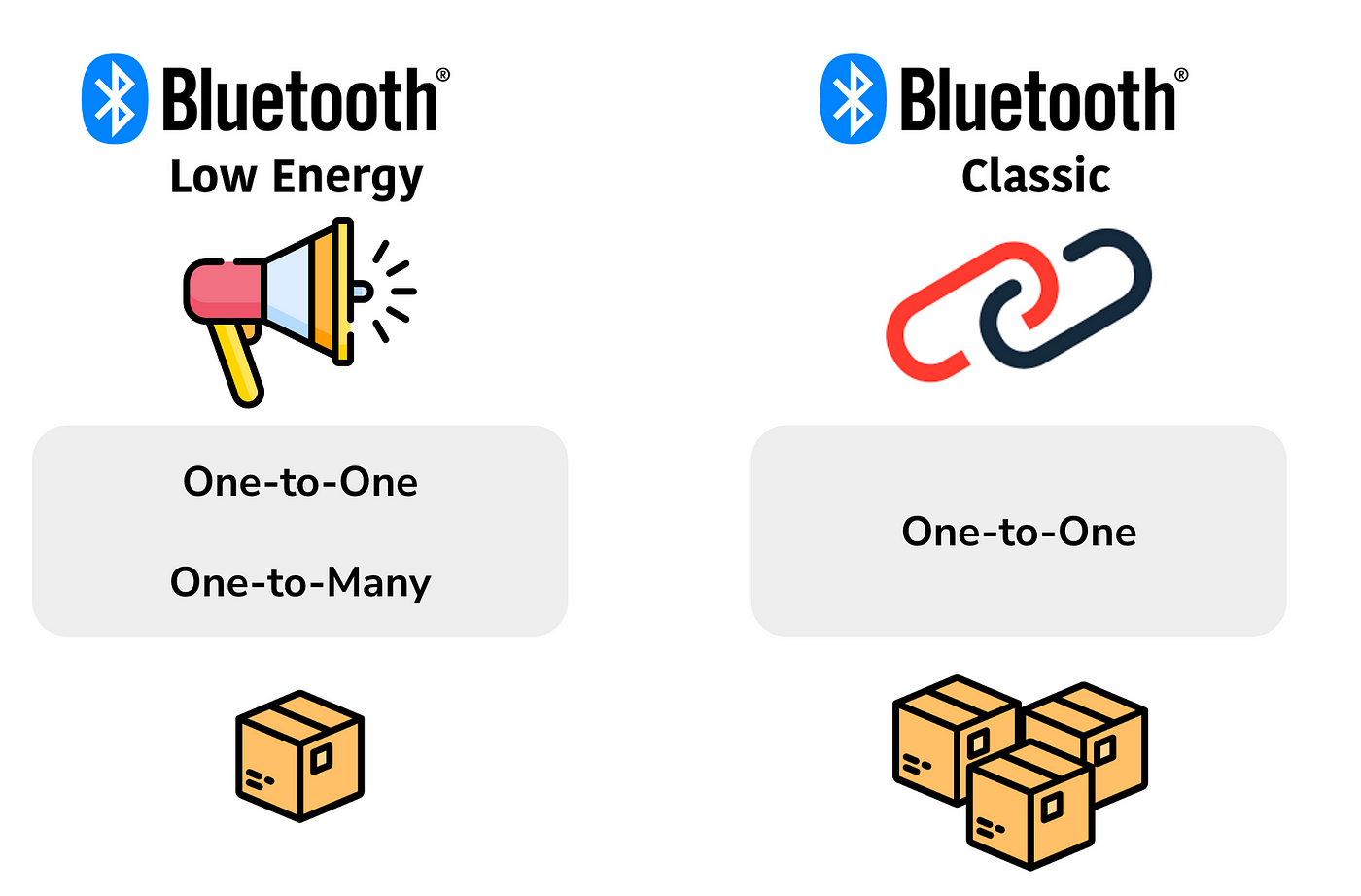
Here the devices create a one-to-one communication channel in order to have their own path to send the data packets and avoid interruptions, because let’s remember that we will be transmitting high amounts of data and we want to have high quality transmission.
Power Consumption
As we have to maintain a one-to-one communication channel, this means that both devices need to constantly listen and send data through this channel to keep it open, this is then a high-power consumption process.
Bluetooth Low Energy (BLE)
Overview
Bluetooth Low Energy is used for scenarios where we need to transfer small amounts of data and take care of the device’s battery life and power consumption.
Examples
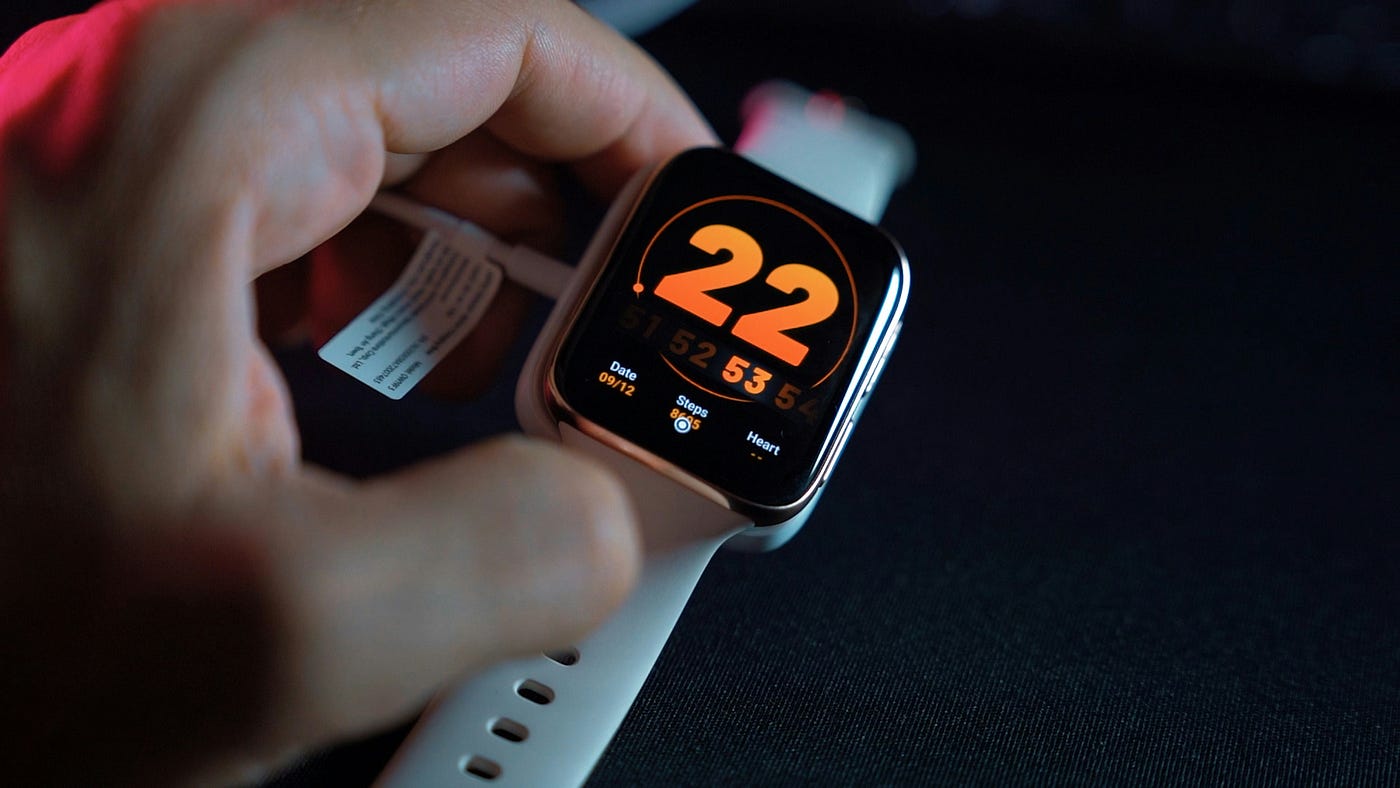
- Fitness trackers: Smartwatches that track your fitness performance (heart rate, steps, sleep patterns, etc).
- Proximity sensors: You can use BLE tags in your keys, wallet or other personal items to detect them by proximity. You could even set a BLE lock at your door to open it using a mobile app like in some hotel chains.
- Beacons: These are devices placed in different locations like stores, offices or crowded places that deliver promotional messages, discounts or general information to the people near the beacon.
- Remote controls: Some tv remotes, computer mouse or gaming controls could also use BLE.
Device’s Roles
In this technology, the connected devices are:
- Central: The device that scans for Bluetooth devices to connect and utilize the information hosted by them. This usually has more processing power and memory.
- Peripheral: The device that has data that is needed by other devices and it may contain one or more services. This usually has less or limited processing power and memory than the Central device.
In the example of a fitness smartwatch tracker, the roles are:
- Cellphone (Central): The cellphone scans for peripheral devices (the smartwatch) and starts the connection to them.
- Smartwatch (Peripheral): It advertises its presence to the cellphone and provides heart rate data or your total steps to the cellphone during the connection. A smartwatch has a smaller battery and less processing power than a cellphone.
Communication
Here the devices can create a one-to-one or one-to-many communication. The Peripheral device advertises itself as a service that can be consumed by a Central device. For example, your smartwatch advertises that it can “offer your fitness data”, a mouse that it can “help you browse through your laptop using your hand”. Your phone then could be connected to your smartwatch, a mouse or your home security camera at the same time and receive data updates from all of them.
Power Consumption
Scanning for peripheral devices is a high-power consuming process, that’s why the central device (usually your cellphone) which has a bigger battery, is the one that scans for peripheral devices.
The peripheral only has to wait for ocasional data requests from the central device, which helps reduce power consumption.
Summary
Bluetooth Classic
- Use Case: High-data-rate applications (e.g., audio streaming, file transfer).
- Communication method: Direct channel.
- Power Consumption: Higher power consumption.
- Data Rate: Up to 3 Mbps.
- Connection Time: Longer connection establishment time.
- Range: Up to 100 meters (depending on class).
- Compatibility: Supported by a wide range of devices.
- Example: Wireless headphones, speakers.
Bluetooth Low Energy (BLE)
- Use Case: Low-power, intermittent data transfer (e.g., sensors data, proximity data).
- Communication method: Advertising services.
- Power Consumption: Lower power consumption.
- Data Rate: Up to 1 Mbps.
- Connection Time: Faster connection establishment time.
- Range: Generally up to 10 meters (depends on the Bluetooth class).
- Compatibility: Increasingly supported by modern devices.
- Example: Fitness trackers, home sensors, remote controls.
Finally, just remember that a Bluetooth device could act as both, “Client” and “Server” or “Central” and “Peripheral”. It all depends on the device’s capabilities and use cases.
 Android Bluetooth Developer
Leave a comment